
Project Go Hub
Verify Member Data
Ask every family to check their details, and see who has answered.
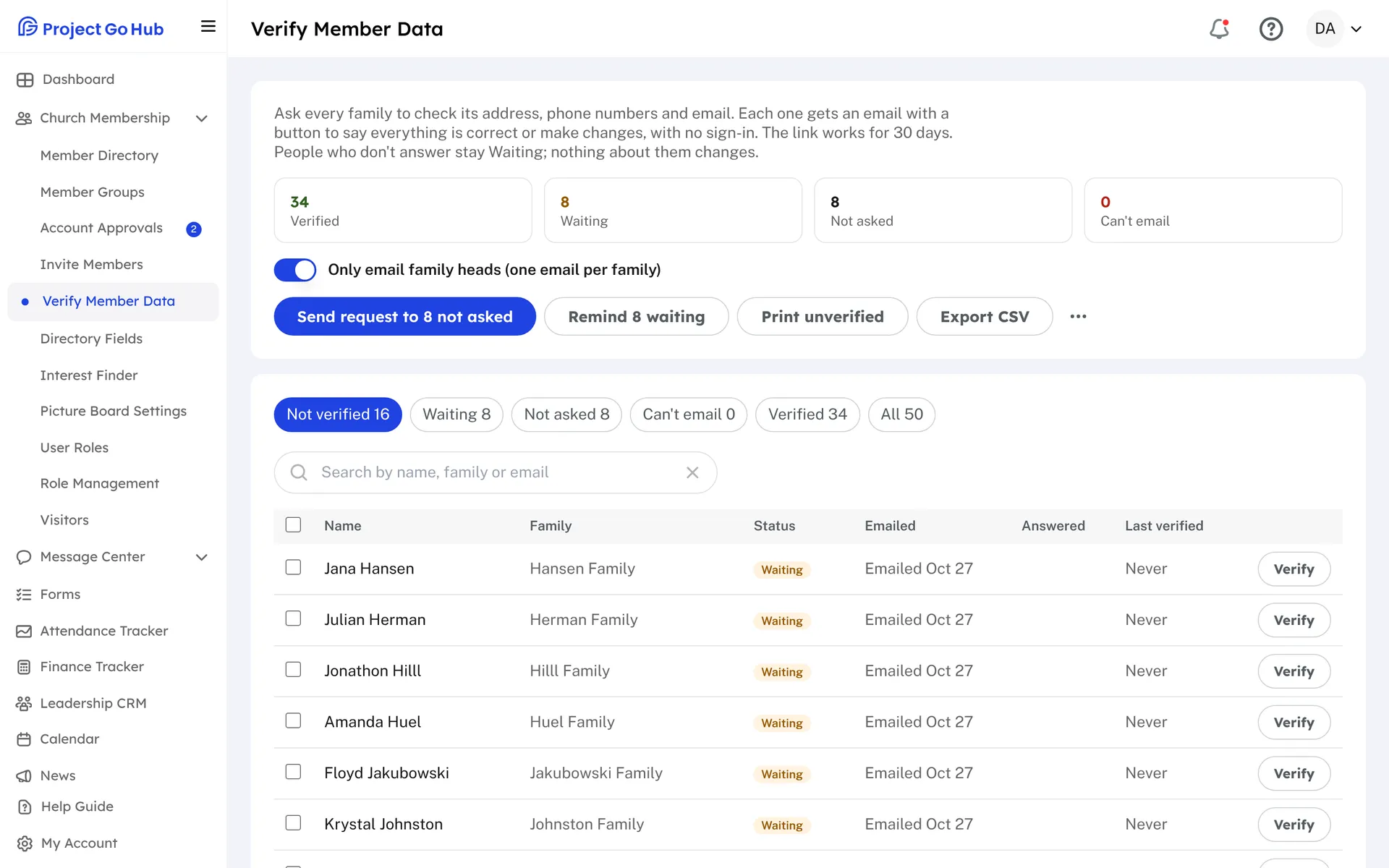
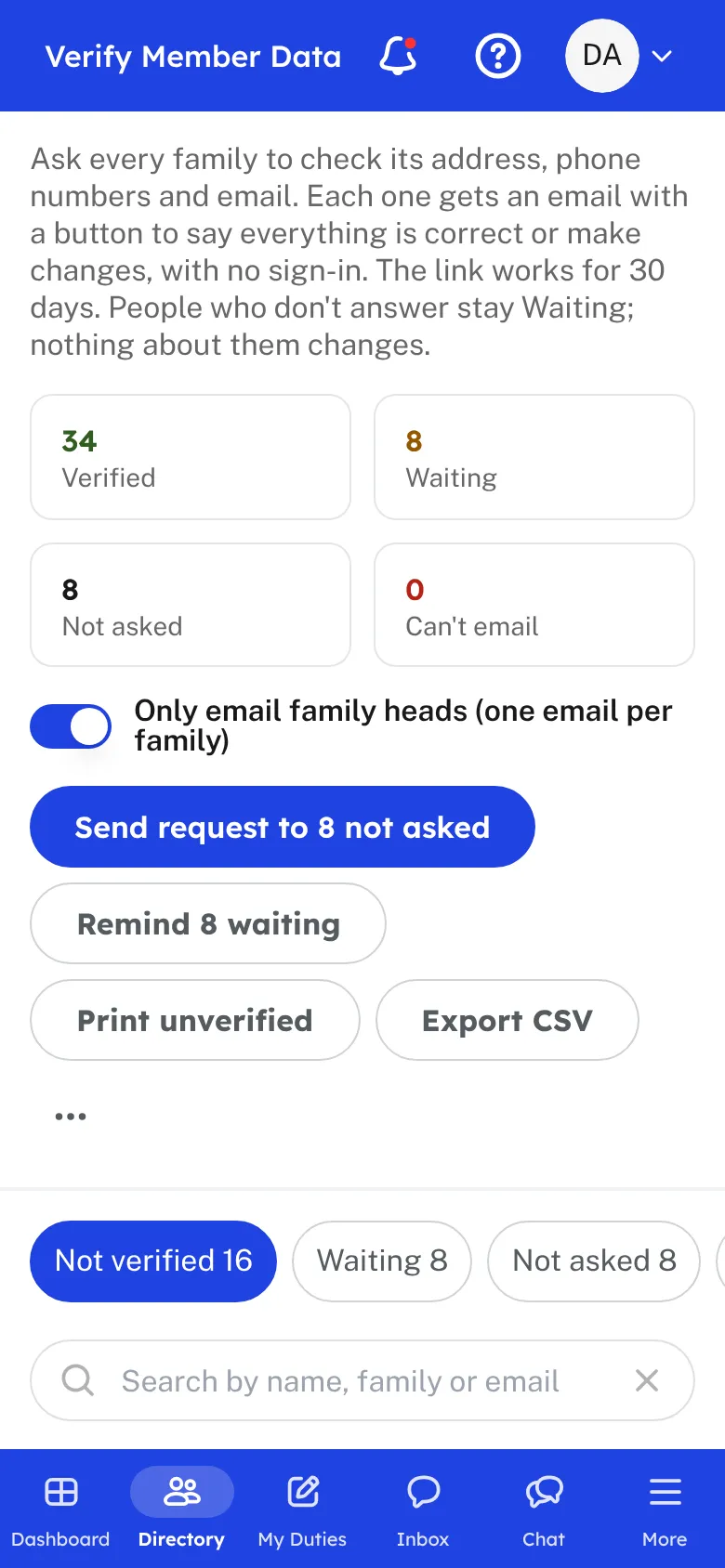
Directories go out of date. People move, change numbers, and get new email addresses. Verify Member Data asks each family to check what you have on file, so the directory stays right without you calling around.
Press one button and the Hub emails each family its address, phone numbers, and email. By default one email goes to each family head. The email has a button that opens a page with no sign-in. The family taps Everything is correct, or taps Make changes and fixes what is wrong. The link works for 30 days.
The screen shows how many families have verified, how many are still waiting, and how many have not been asked. You can see who changed something, and when each person last verified. If someone tells you in person, mark them verified yourself.
Remind only the families still waiting. Anyone emailed in the last 24 hours is skipped, so no one gets two emails in a day. Families with no email address are listed, so you can print a sheet and ask them on Sunday. Nobody is changed or removed for not answering.
Members who sign in see a note at the top of their profile while the church is waiting. They can change their details there or tap Everything is correct.
Who this helps
Members
They get one short email, check their details in a few seconds, and are done. They can answer from the email or from their profile in the Hub.
Leaders
You find out who has moved or changed a number before it causes a problem, and you only chase the families who have not answered.
27 features, one platform.
Try the Project Go Hub free, or see everything it does. No credit card required.