
Project Go Hub
Song Tracker
Remember what you sang, and what you have not sung in a while.
Start with your song books and your songs. Add each book you use, then add songs with their book and number. Songs can sit in more than one book. If your library is in a spreadsheet, an administrator can import it from a CSV file.
A member with access to the Song Tracker can submit a song list for an upcoming service, and it starts as a draft. An administrator reviews it and publishes it, and can fill in the song leader and the service. After the service, an administrator records the songs that were actually led, and can start from a published song list so the songs do not have to be typed again.
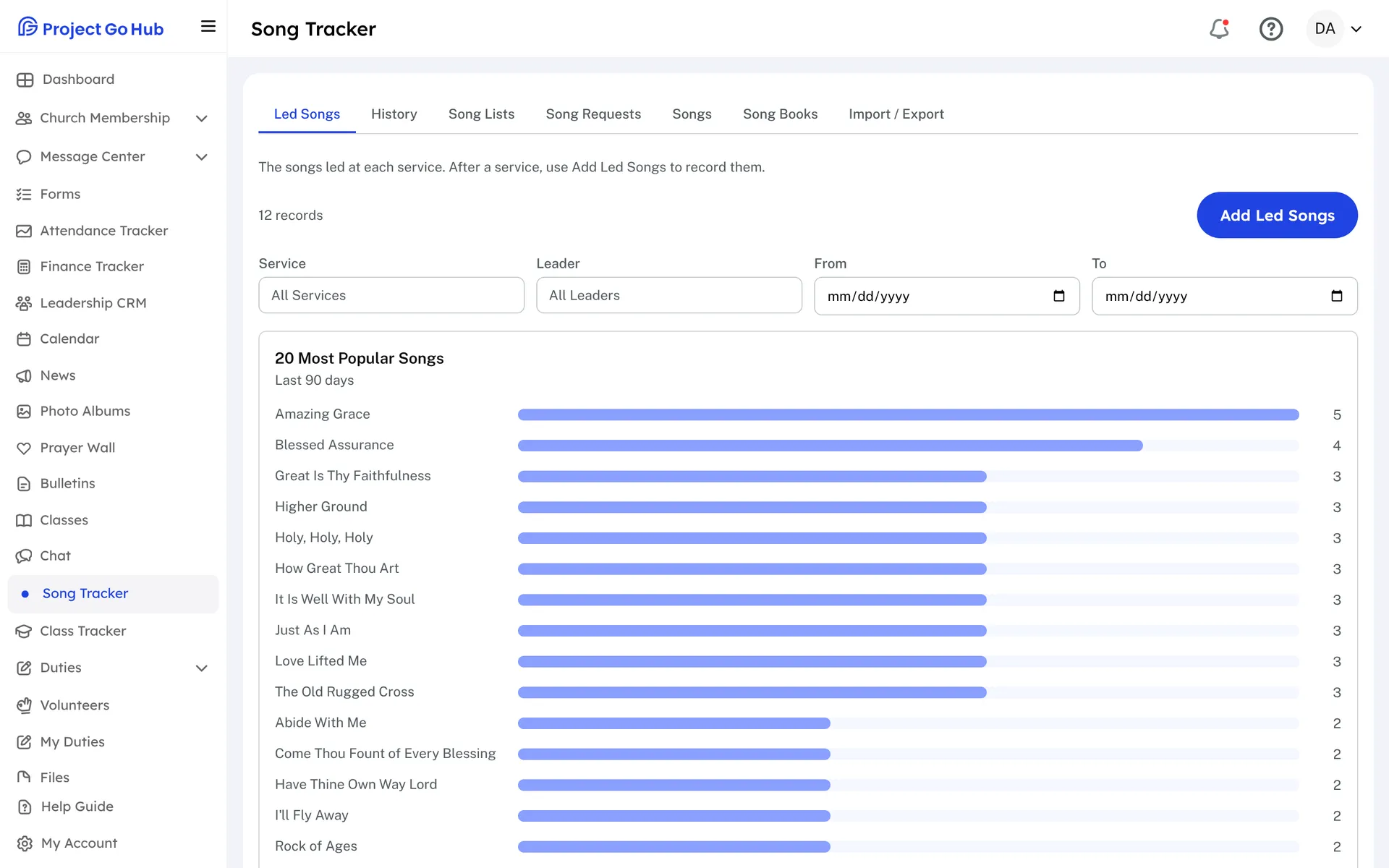
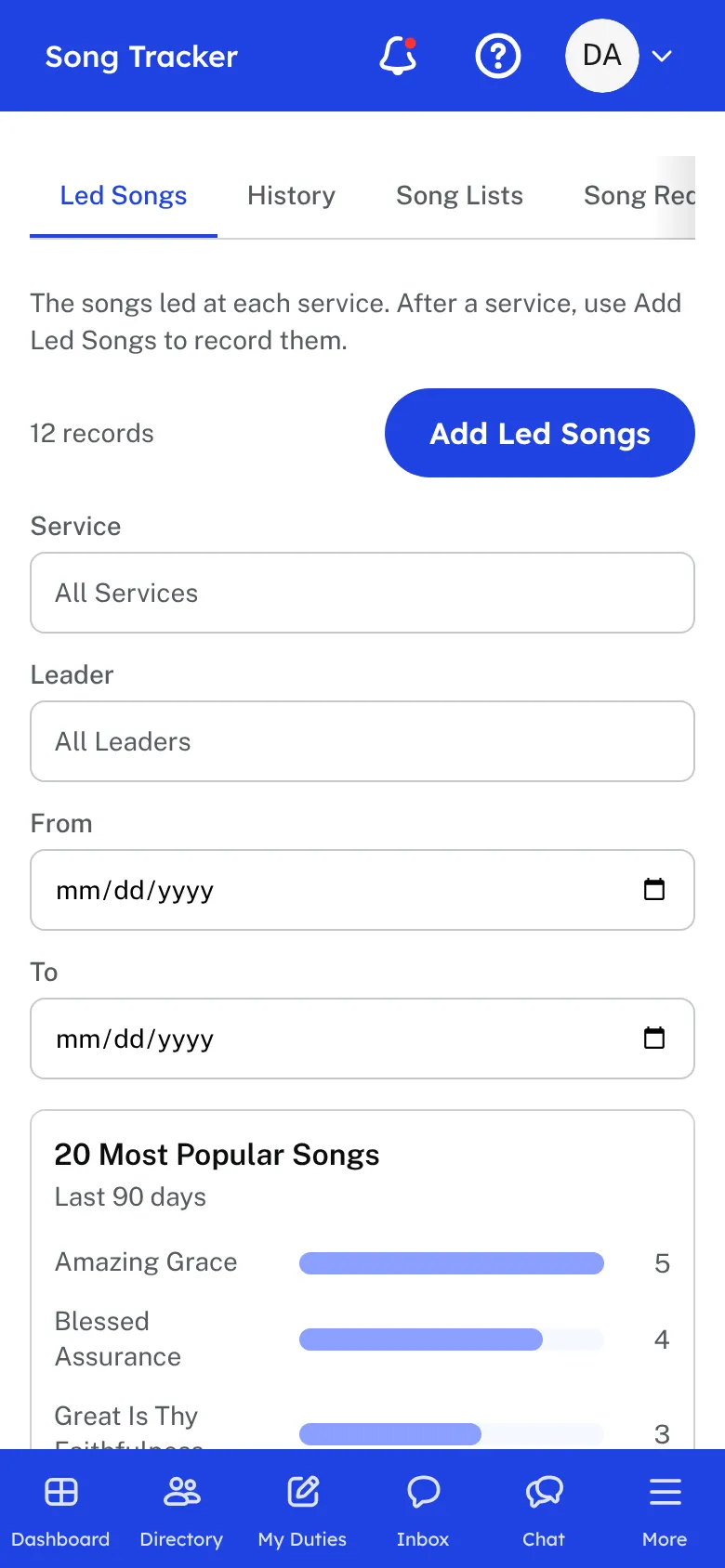
The Led Songs page shows every service's songs, with filters for the service, the leader, and the dates. It also shows the 20 most popular songs for the dates you choose. History looks up a single song and lists each date it was led. Not Sung Lately shows songs that have not been led in the last few months, so a good song does not get forgotten.
Members with access to the Song Tracker can send in a song request, either by picking a song from the library or by typing a title, with a book and number if they know them. Leaders see the requests together in one list.
Your older song history can come in too. An administrator can import led songs from a CSV file, and export your songs or your led-song history when needed.
Who this helps
Members
They can submit a song list ahead of time and request a song they would like to sing, if the church has given them access to the Song Tracker. They can also look up what the church has sung.
Leaders
Whoever plans worship can see what was sung and when, and can spot songs that have been left alone too long. Publishing a list and recording what was sung are a few clicks each week.
27 features, one platform.
Try the Project Go Hub free, or see everything it does. No credit card required.