
Project Go Hub
Roles and Permissions
Give each person the right access, and nothing more.
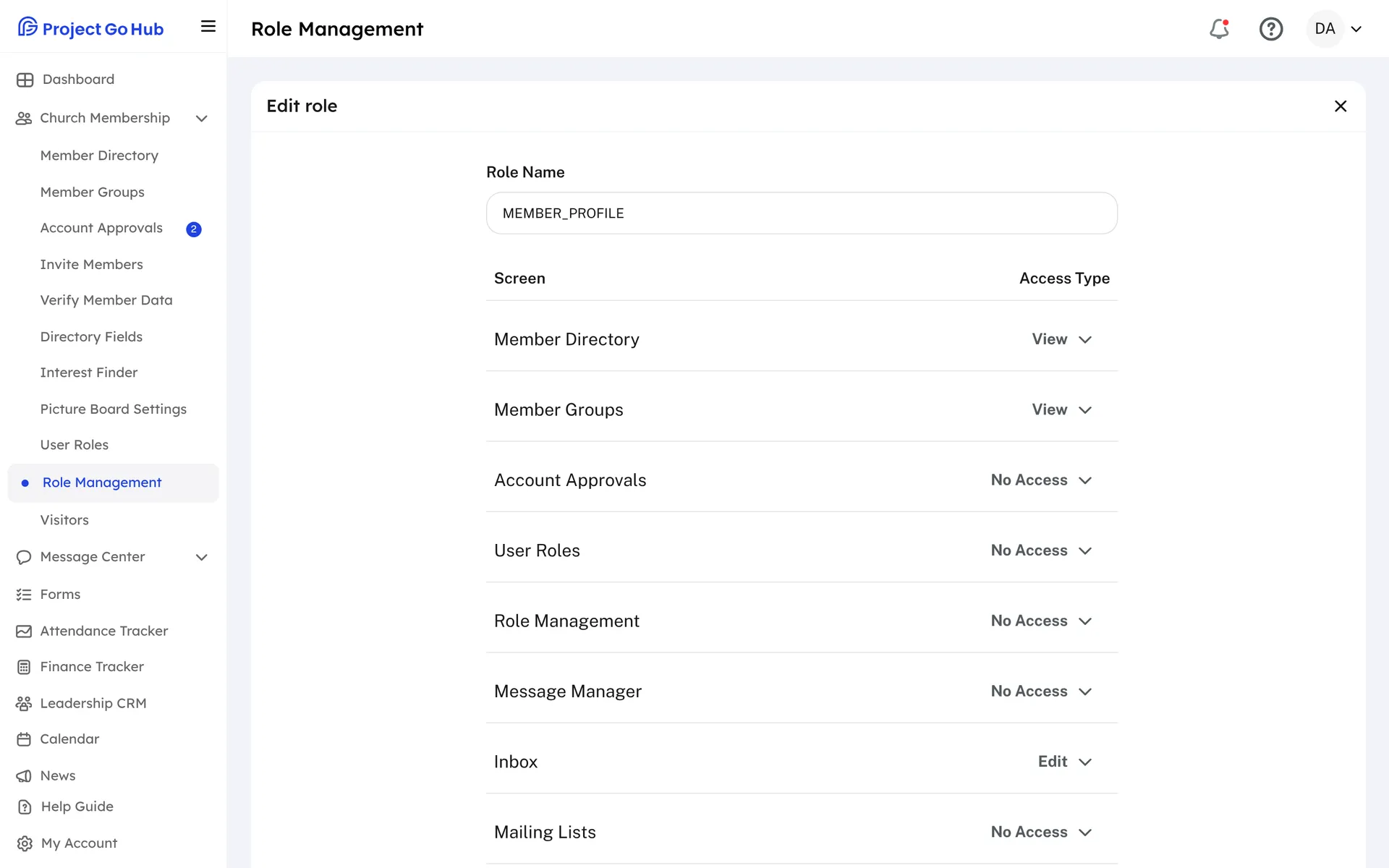
Every person who signs in to the Hub has a role, and the role decides what they can open. A member might see the directory, the calendar, and their own duties. A deacon might also take attendance. A secretary might manage members and messages. You decide.
Role Management is where you build roles. Give a new role a name, then set each part of the Hub to No Access, View, or Edit. A new role starts with no access, so you turn on only what that person needs. User Roles lists your members and lets you change anyone's role from a menu.
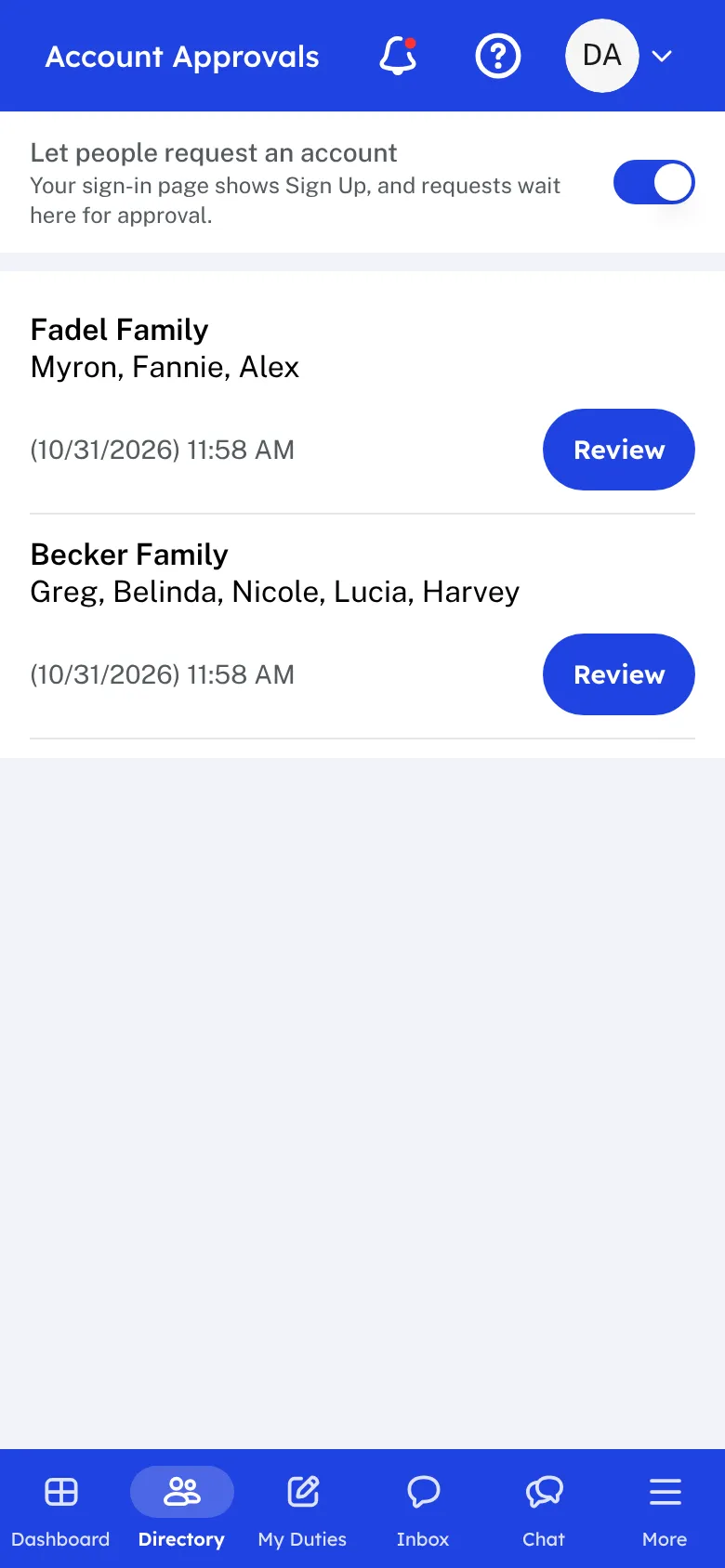
New people can ask for an account from your church's sign-in page. The request waits in Account Approvals, where an admin can see who asked, spot a possible match with someone already in the directory, and accept or deny the request. The person gets an email either way. If you would rather keep sign-up closed, turn off the Sign Up link and bring people in by invitation instead.
Invite Members emails every member a link to make a password. The link works for 7 days. You can see who is set up, who is invited, and who has no email address, and send a reminder to the ones still waiting.
For extra safety, a church can also require a code from an authenticator app for the people who can see giving or change who has access.
Who this helps
Members
They sign in once and see what is meant for them. A new member can ask for an account and gets an email as soon as the church answers.
Leaders
Elders and secretaries decide who sees what, approve new accounts, and get the whole congregation signed in, without handing every key to everyone.
27 features, one platform.
Try the Project Go Hub free, or see everything it does. No credit card required.