
Project Go Hub
Prayer Wall
A place for the church to pray for one another.
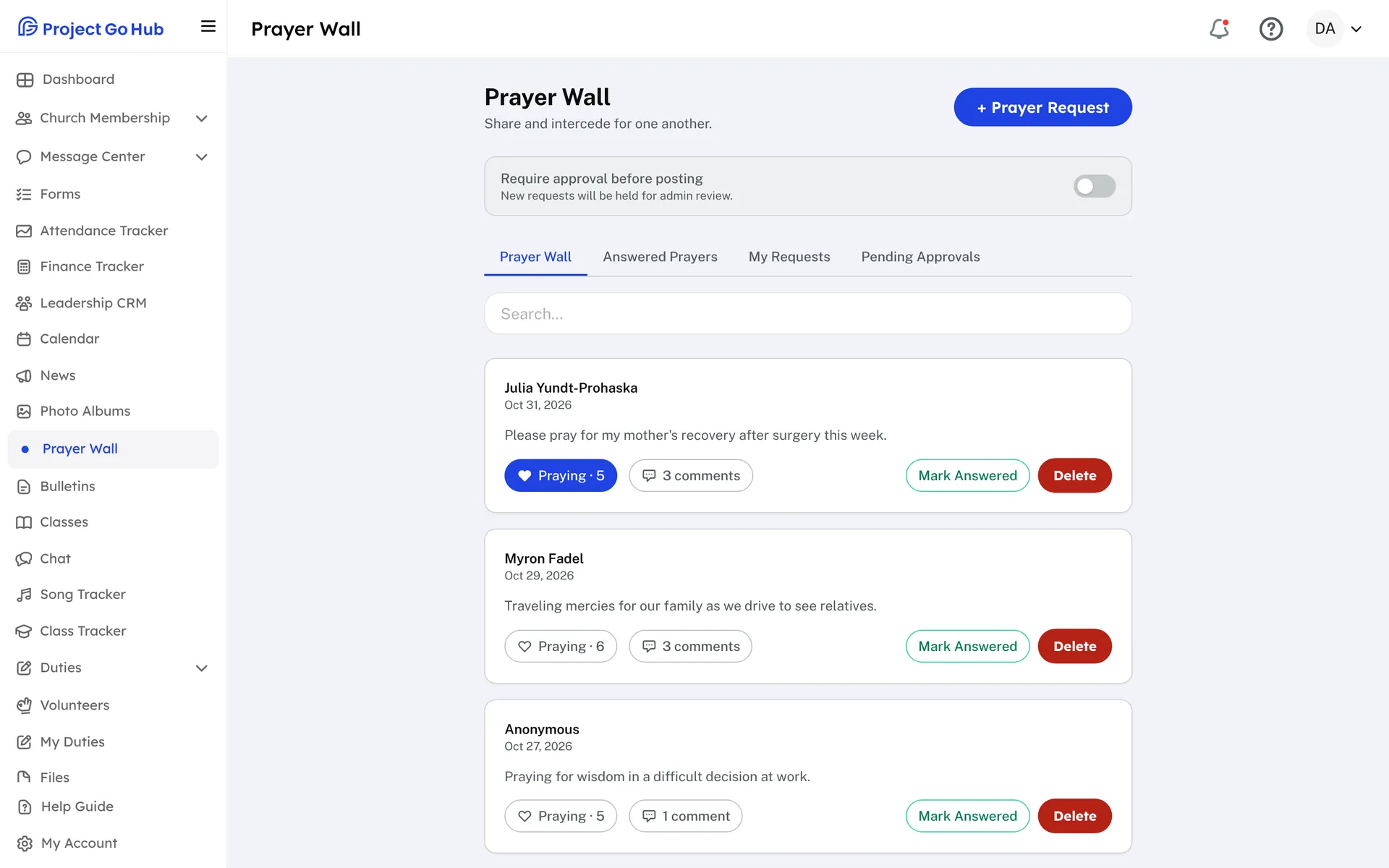
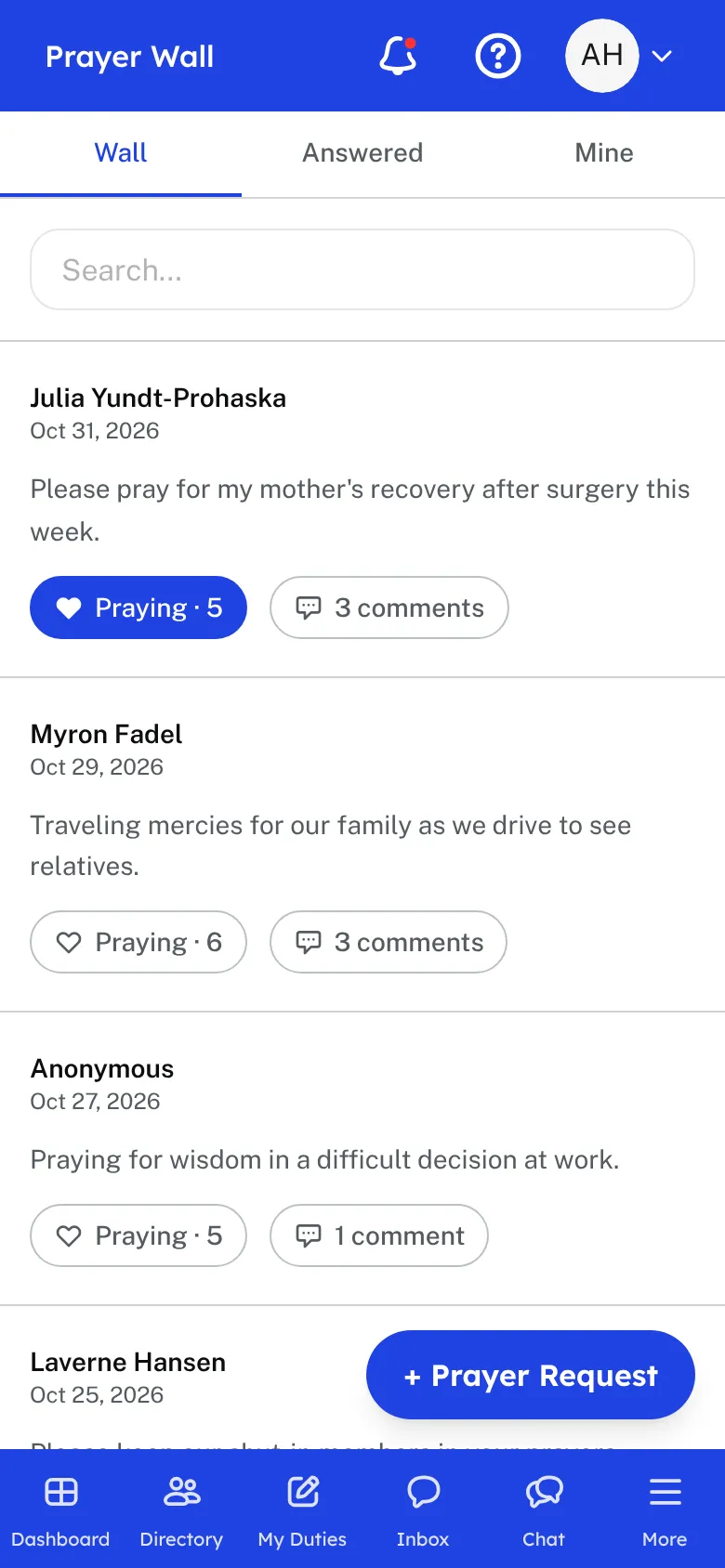
Any member can share a prayer request with the church. Type the request, choose Post anonymously if you want your name left off, and submit it. Requests appear on the Prayer Wall for the rest of the church to read.
Other members tap Praying on a request to let the church know they are praying, and the count is shown on the request. They can also leave an encouraging comment. The member who wrote the request is told when someone is praying and when someone comments.
When a prayer is answered, the member who wrote it, or a Prayer Wall editor, marks it Answered, and it moves to the Answered Prayers tab. My Requests shows each member the requests they have shared, and a search box helps find any request.
Leaders can turn on Require approval before posting. New requests then wait in Pending Approvals until an admin approves them, and the admins are told when one is waiting. The member is told when it has been approved. Members can delete their own requests, and admins can delete any request.
Who this helps
Members
They share what is on their hearts, pray for others with one tap, and encourage one another with comments. They see when their prayers are answered.
Leaders
Choose whether each request is checked before it goes up. Approve or remove requests, and mark prayers answered so the church can rejoice together.
27 features, one platform.
Try the Project Go Hub free, or see everything it does. No credit card required.