
Project Go Hub
Member Groups
Put the right people in the right group and reach them together.
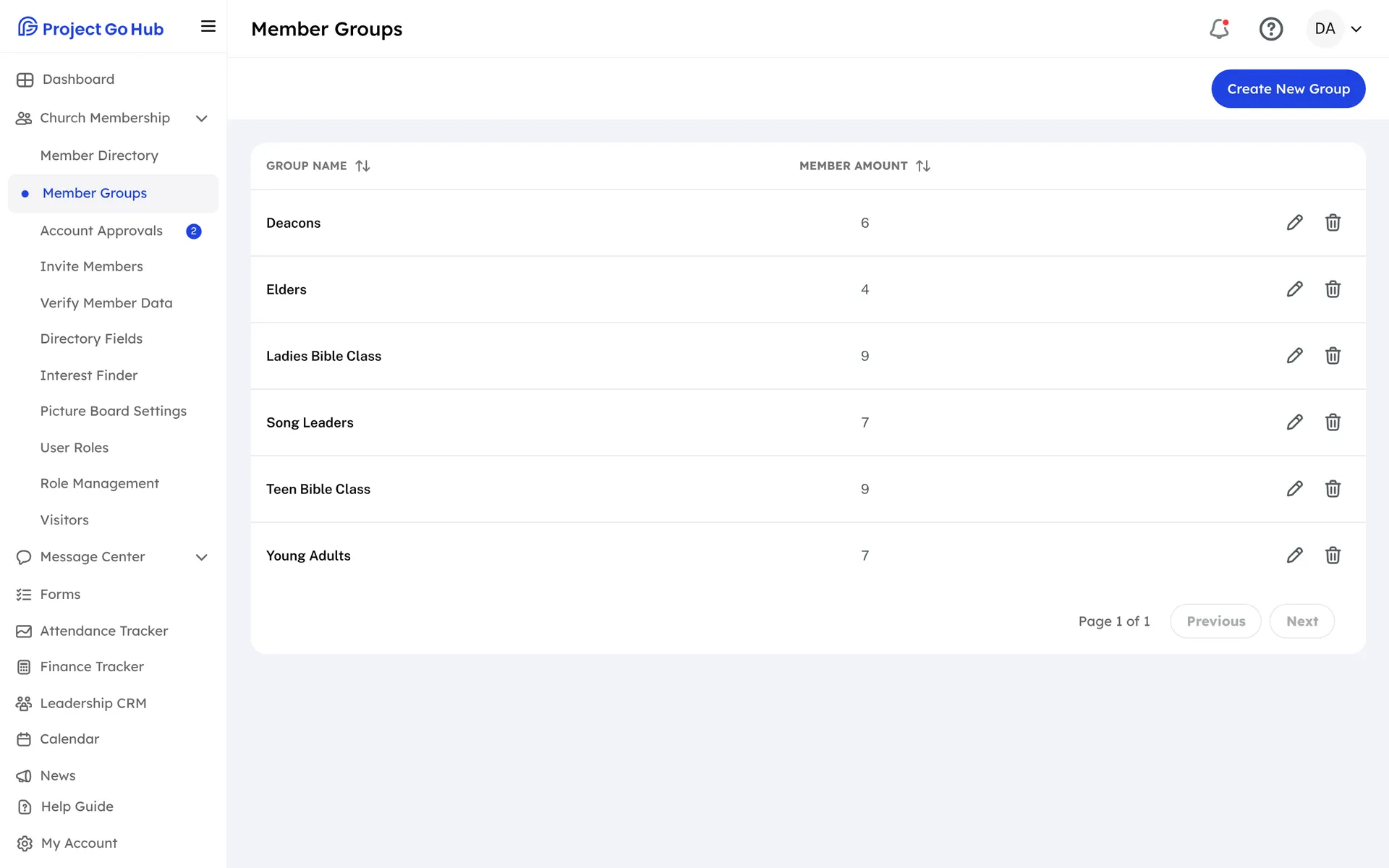
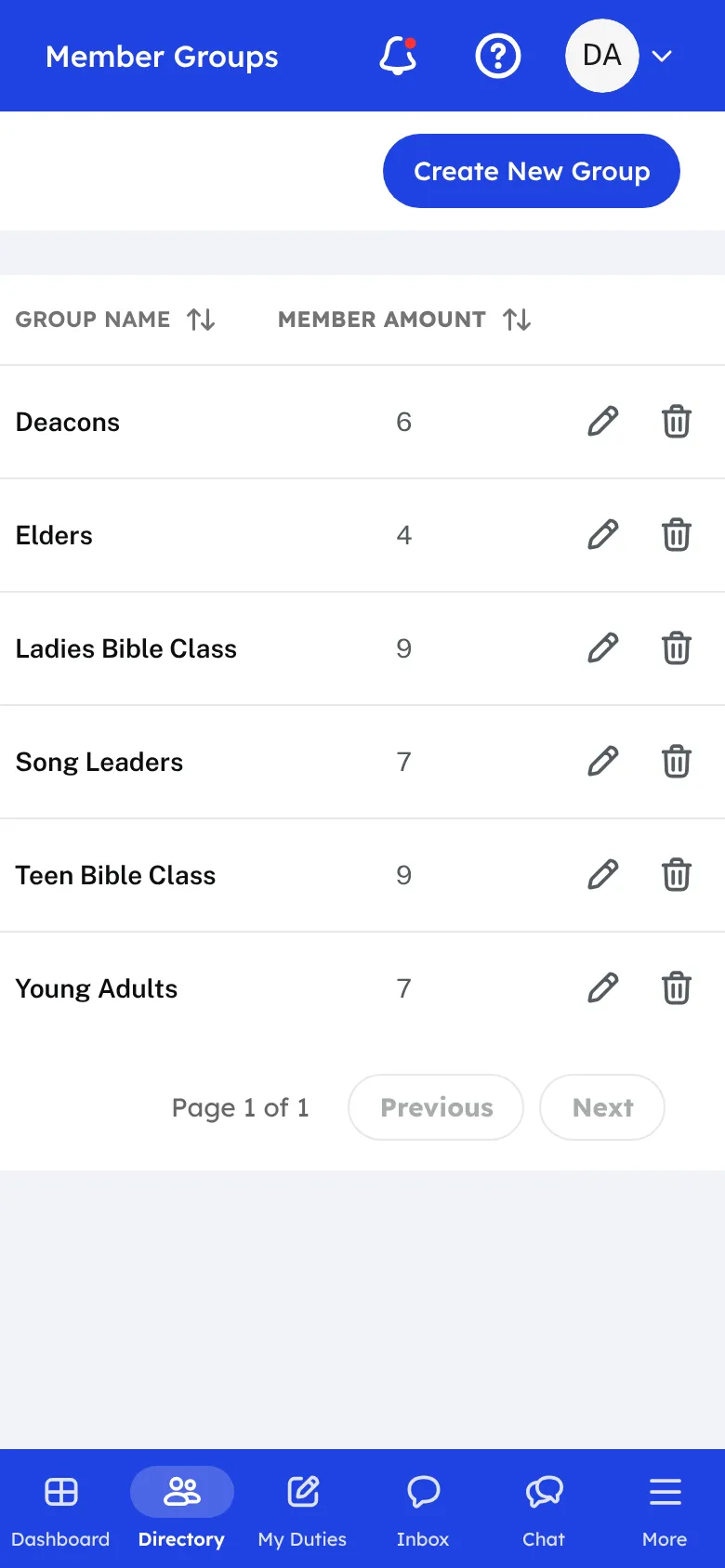
A member group is any set of people you want to keep together: a Bible class, the deacons, a work crew, the ladies' class, the youth group. Create a group, give it a name and a color, and pick the members who belong in it.
Choose leaders for each group. Then decide who may send an email to the group: leaders only, leaders and members you choose, or everyone in the group. Church admins can always send. Members can send email only, and only to that group.
Groups work with the rest of the Hub. Filter the Member Directory by group to see who is in a class. Pick a group when you write a message in Message Manager, so one email reaches everyone in it. Your church can also choose a group to be told whenever a visitor fills in the visitor card.
Members are added and removed as the congregation changes. When someone moves to a new class, change their group once and every list stays right.
Who this helps
Members
They are part of the classes and teams they belong to, and they get the emails meant for those groups. A group leader or a chosen member can write to the group.
Leaders
Teachers, deacons, and committee heads reach their own people without building a list each time. Admins keep the groups tidy in one place.
27 features, one platform.
Try the Project Go Hub free, or see everything it does. No credit card required.