
Project Go Hub
Member Directory
Every family in one place, easy to find and easy to print.
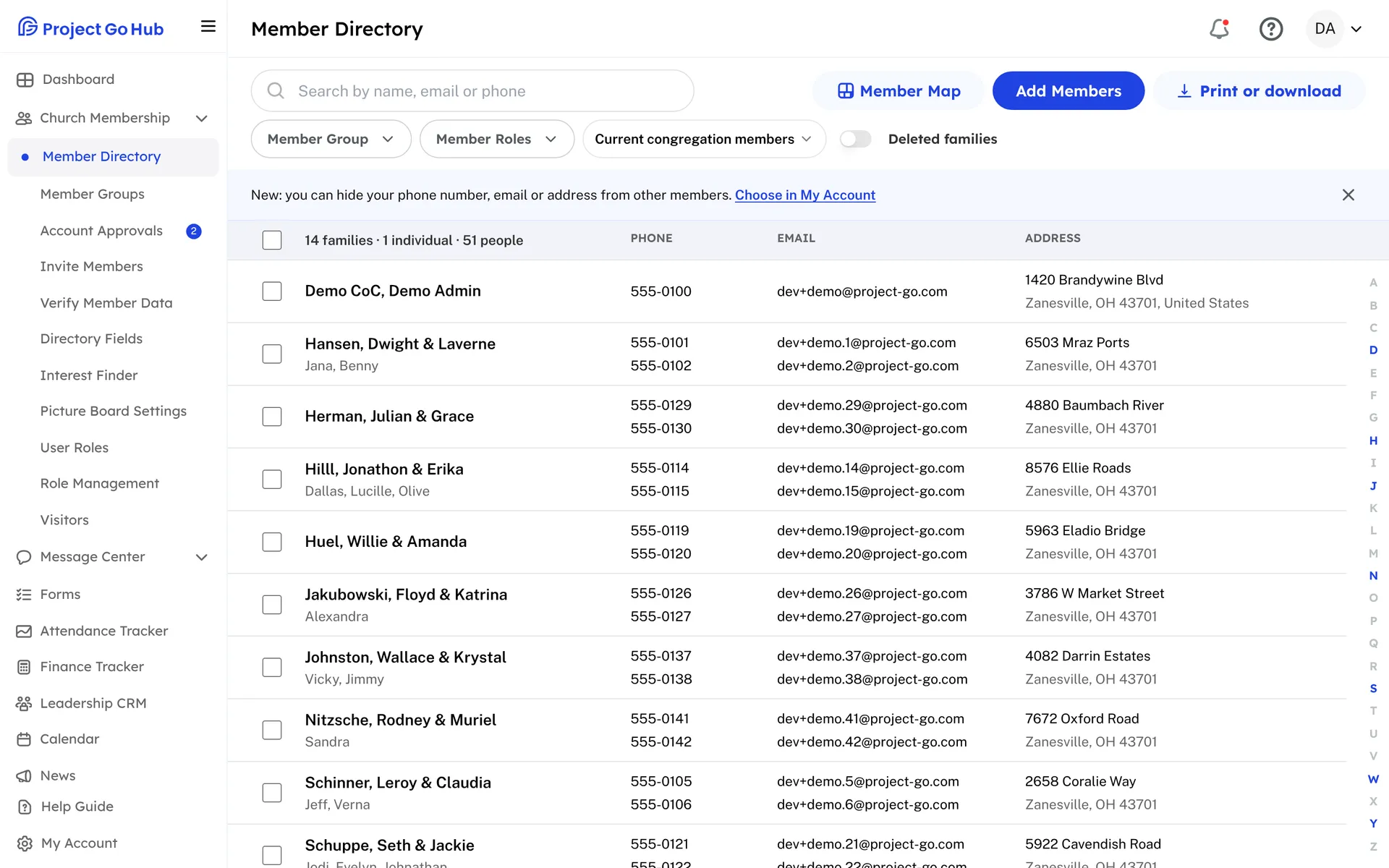
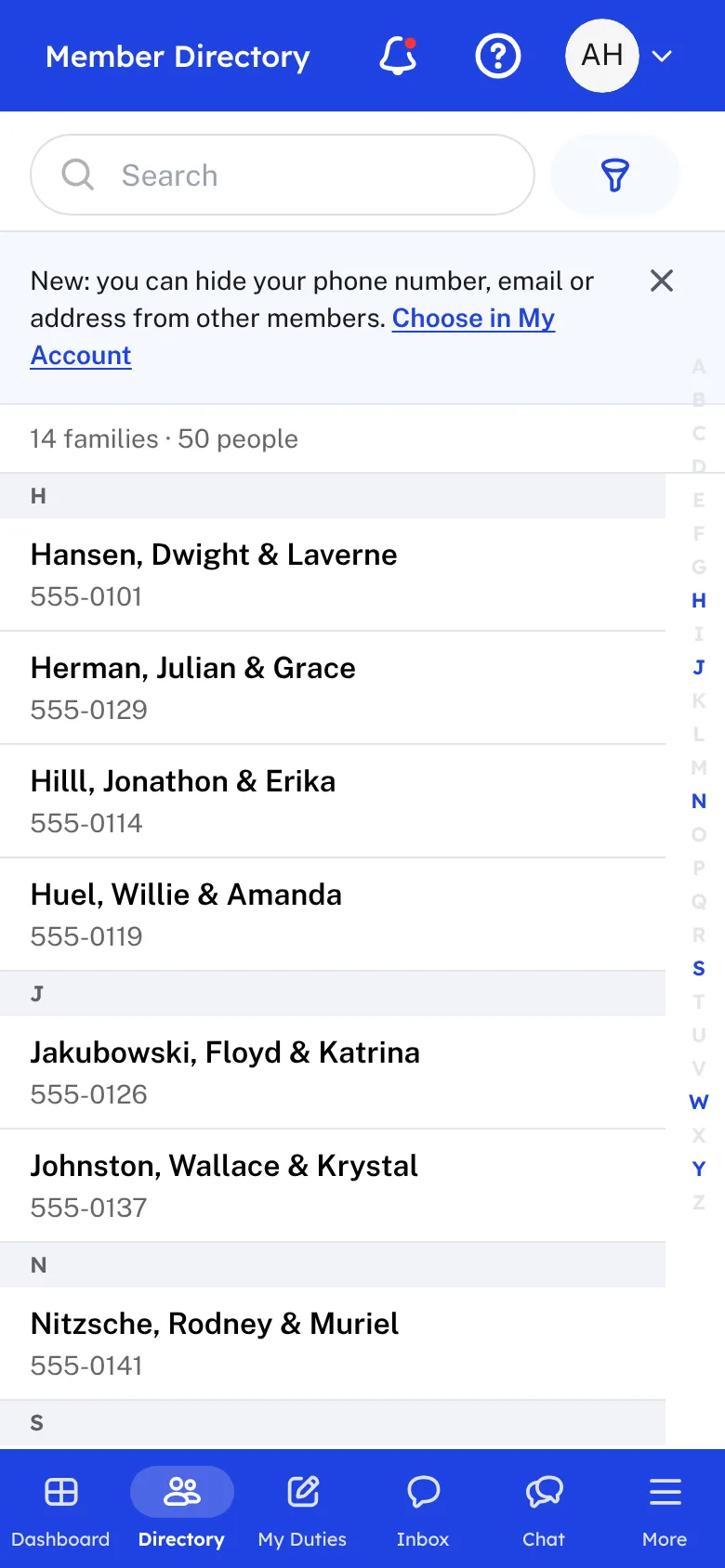
The Member Directory lists every family in your congregation, in order by name. Open a family to see everyone in the household with their photo, phone number, email, birthday, whether they are baptized, and when they became a member. Call, Text, and Email are one tap away.
Admins add families and members, change their details, and choose who is current, former, or deceased. You can add your own fields too, such as a shirt size for each person or an envelope number for each family, and decide whether members see them and whether they print in the directory.
Finding someone takes seconds. Search by name, email, or phone number, or narrow the list by member group, role, or status. The Member Map shows your households on a map so you can see who lives near each other.
Members keep their own details up to date and add a photo of themselves or their family. They can also hide their phone number, email, or address from other members. Church staff and their own family still see everything, and church messages still reach them.
When you need paper, tick the families you want, or print them all. The directory comes out as a PDF with photos, with your own title, header, and footer. You can also print a birthday list or an anniversary list, download a spreadsheet, or save everyone to a phone's contacts.
Who this helps
Members
They find a phone number or an email in seconds, on a phone or a computer. They keep their own details and photo current, and they choose what other members can see.
Leaders
One directory replaces the old spreadsheet and the paper list. Search it, filter it, map it, and print a fresh copy whenever the congregation changes.
27 features, one platform.
Try the Project Go Hub free, or see everything it does. No credit card required.