
Project Go Hub
Leadership CRM
A private record of who was visited, when, and what was said.
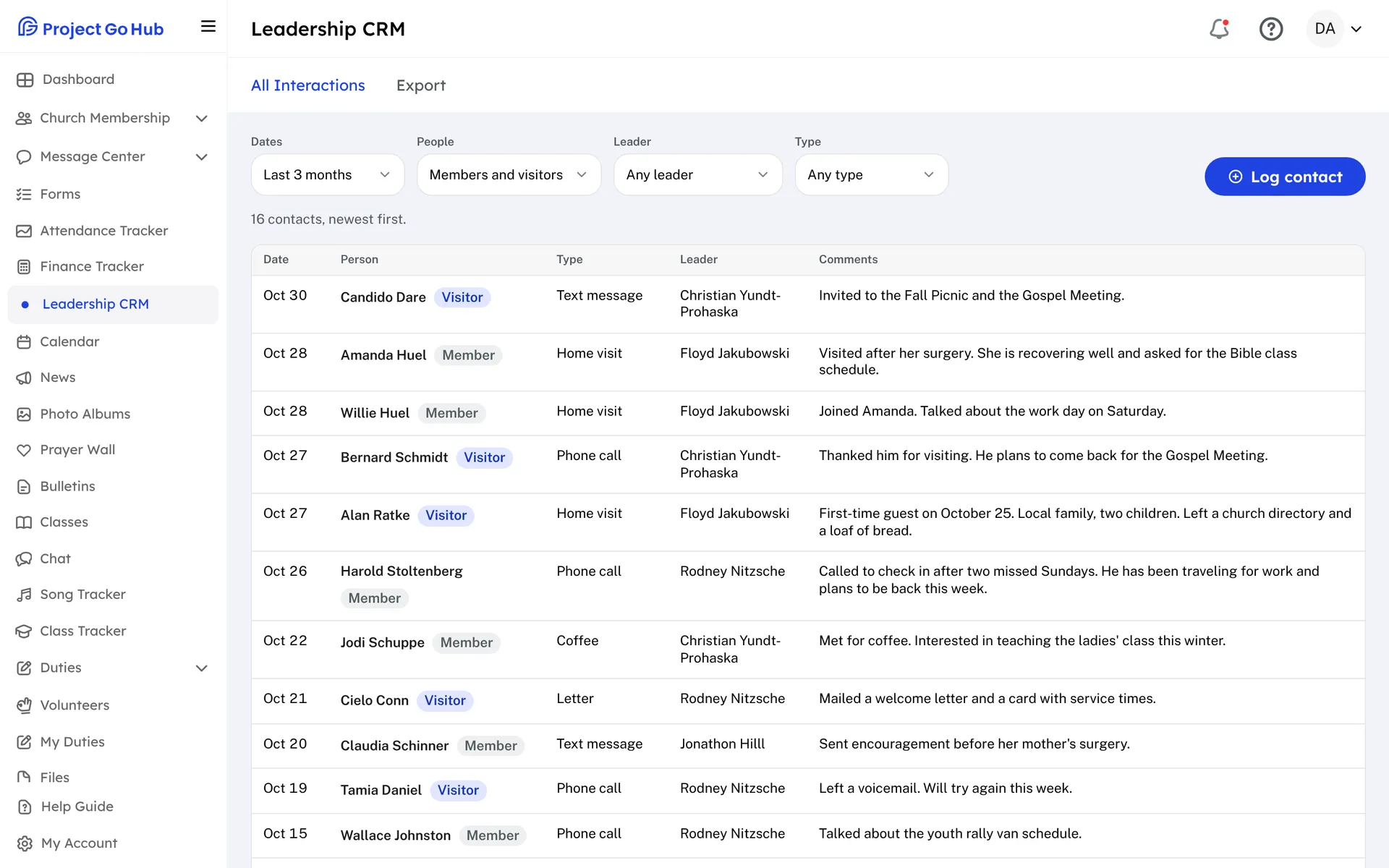
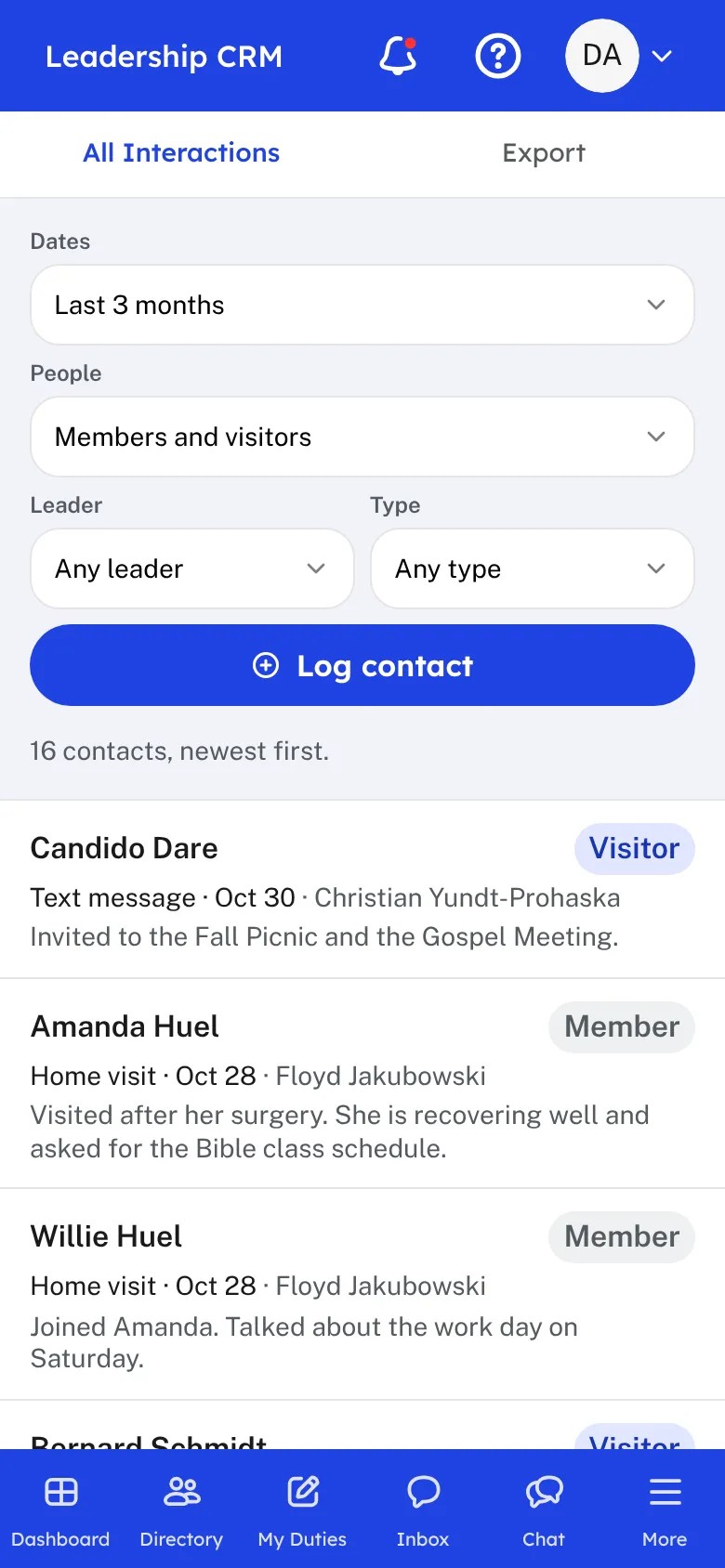
Shepherding is personal, and it is easy to lose track. Who did we visit last month? Who has not heard from an elder in a long time? What was discussed the last time? The Leadership CRM keeps that record in one place for your leaders.
After a visit, a call, or a study, a leader logs the contact. Choose the person, a member or a visitor, then the date, the kind of contact, the leader who made it, and any comments. Contact types are your own words, such as Phone Call or Home Visit, and the ones you used before are one tap away.
Each person has a history, newest first, with a background note that all your leaders share. Before a visit, an elder can open it and see what was talked about last time. The last few contacts also show right on the member's page and on a visitor's record.
All Interactions lists every contact logged at your church. Filter it by dates, members or visitors, leader, and type. When a visitor joins the church, one button moves their history and note to the member they became.
This is private. Only leaders whose role has Edit access to the Leadership CRM can see any of it, and a church can switch it off.
Who this helps
Members
They are not shown this record. Members simply find that the elder who visits already knows what they talked about last time.
Leaders
Elders and ministers share one record of their care for the congregation, so no one falls through the cracks and no visit starts from scratch.
27 features, one platform.
Try the Project Go Hub free, or see everything it does. No credit card required.