
Project Go Hub
Group Chat
Talk with your Bible class or ministry team without a separate app.
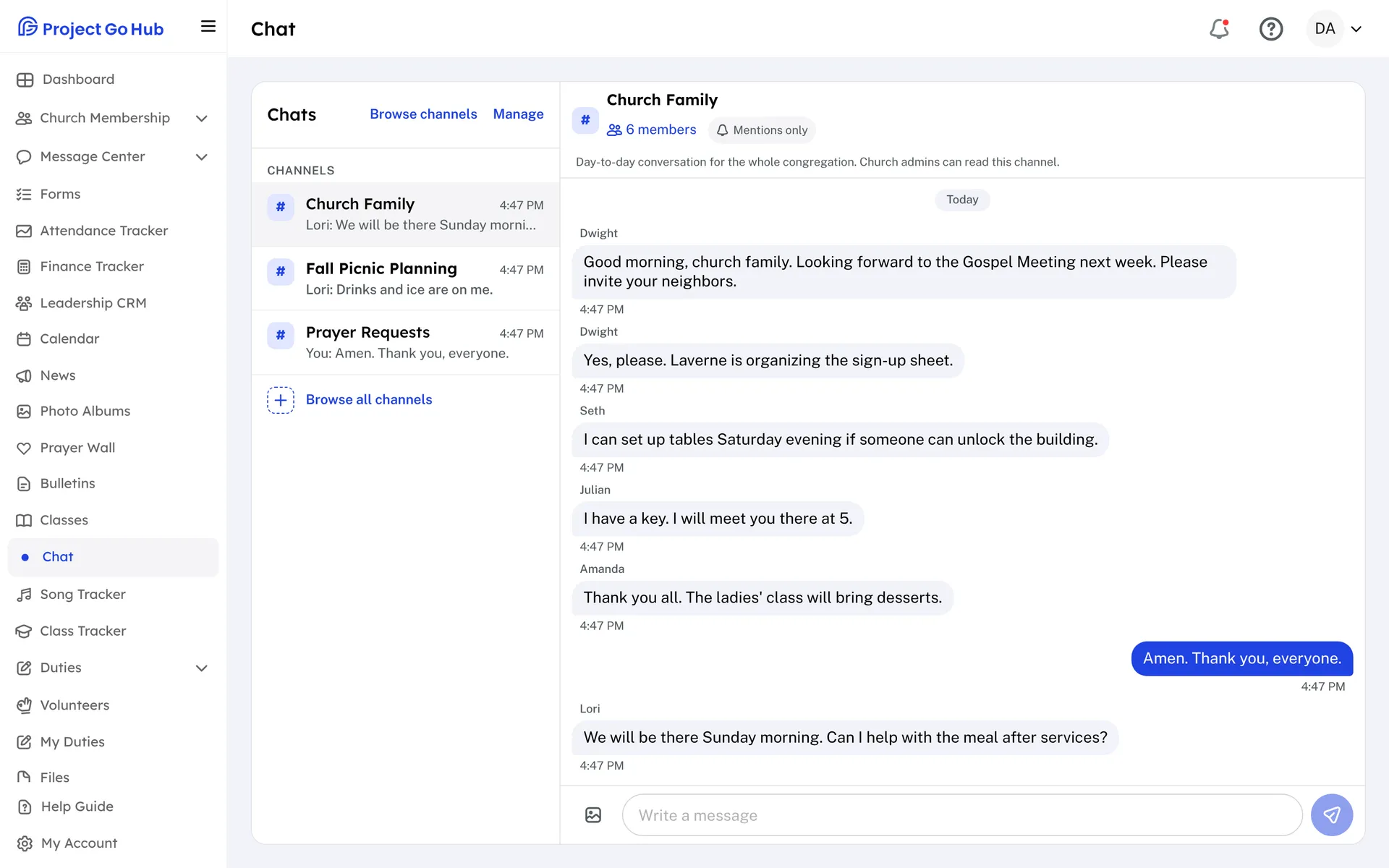
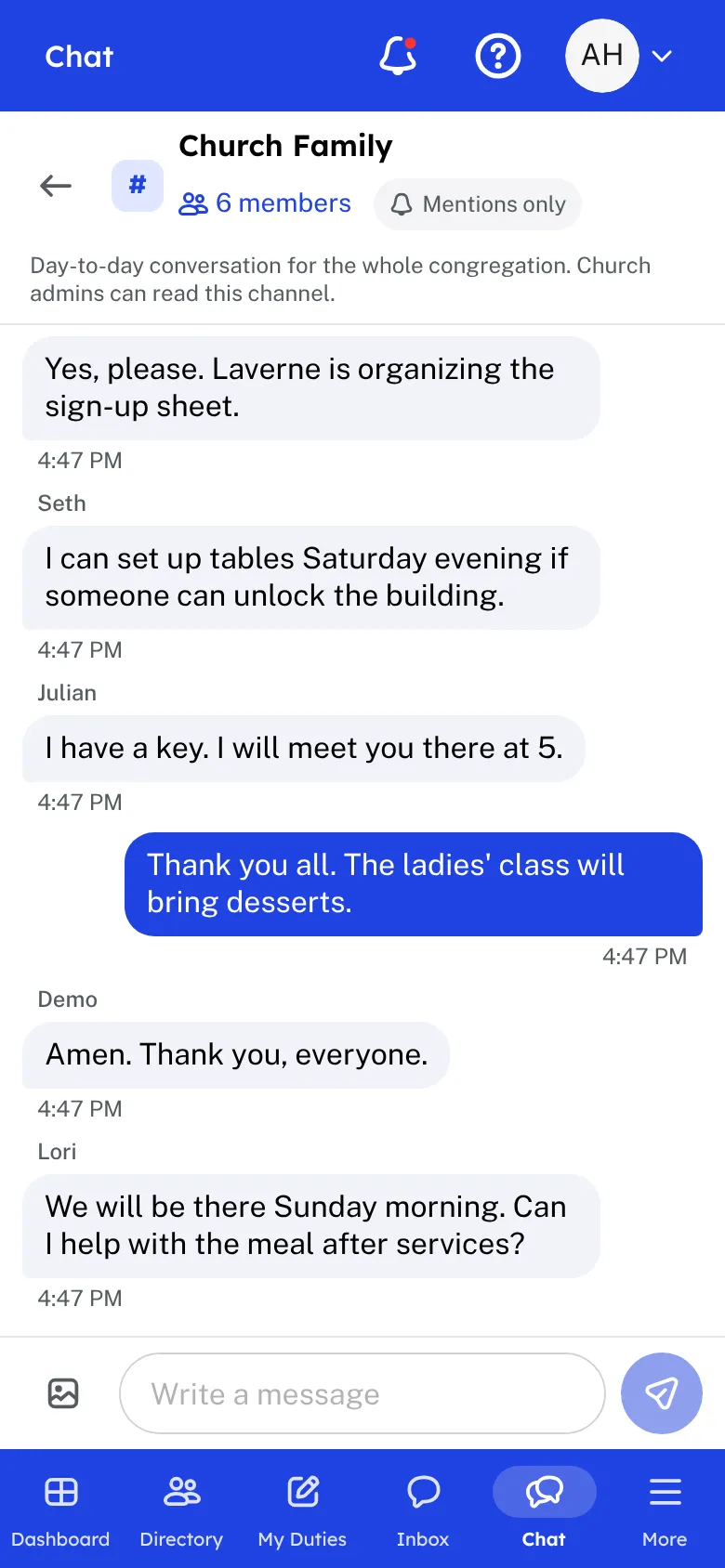
Every member group can have its own chat. A group's leaders turn the chat on for their group and choose whether everyone can post or only the leaders. The members of the group are already in it, so there is nothing for them to sign up for.
Channels are open chats for the whole church. Anyone who uses chat can browse the channels and join or leave them. Chat admins create a channel, name its admins, choose whether everyone or only the channel admins can post, and can archive it when it is done.
In a chat, members send messages, name someone with @, and react to a message with a heart, praying hands, laughing face, thumbs up, or thumbs down. They can edit or delete their own messages. A chat list shows unread counts, and each member chooses for each chat whether they hear about all messages, only mentions, or nothing. Phone notifications are held from 9 PM to 7 AM on the church's clock.
Chat is built with care for safety. It is for members 13 and older, and a chat that includes a teen needs at least two adults before anyone can post. A member can report a message or block another member. Leaders and chat admins review reports and can remove a message. Church admins can read the chats, and every chat says so.
Who this helps
Members
They talk with their class or team in the Hub, join the channels that interest them, and choose how much they hear from each chat. They can report anything unkind.
Leaders
Turn chat on for your group, decide who can post, and remove or review messages when needed. Chat admins can create channels and see every chat, and members are told so.
27 features, one platform.
Try the Project Go Hub free, or see everything it does. No credit card required.