
Project Go Hub
File Sharing
Church files in folders, ready for members to download.
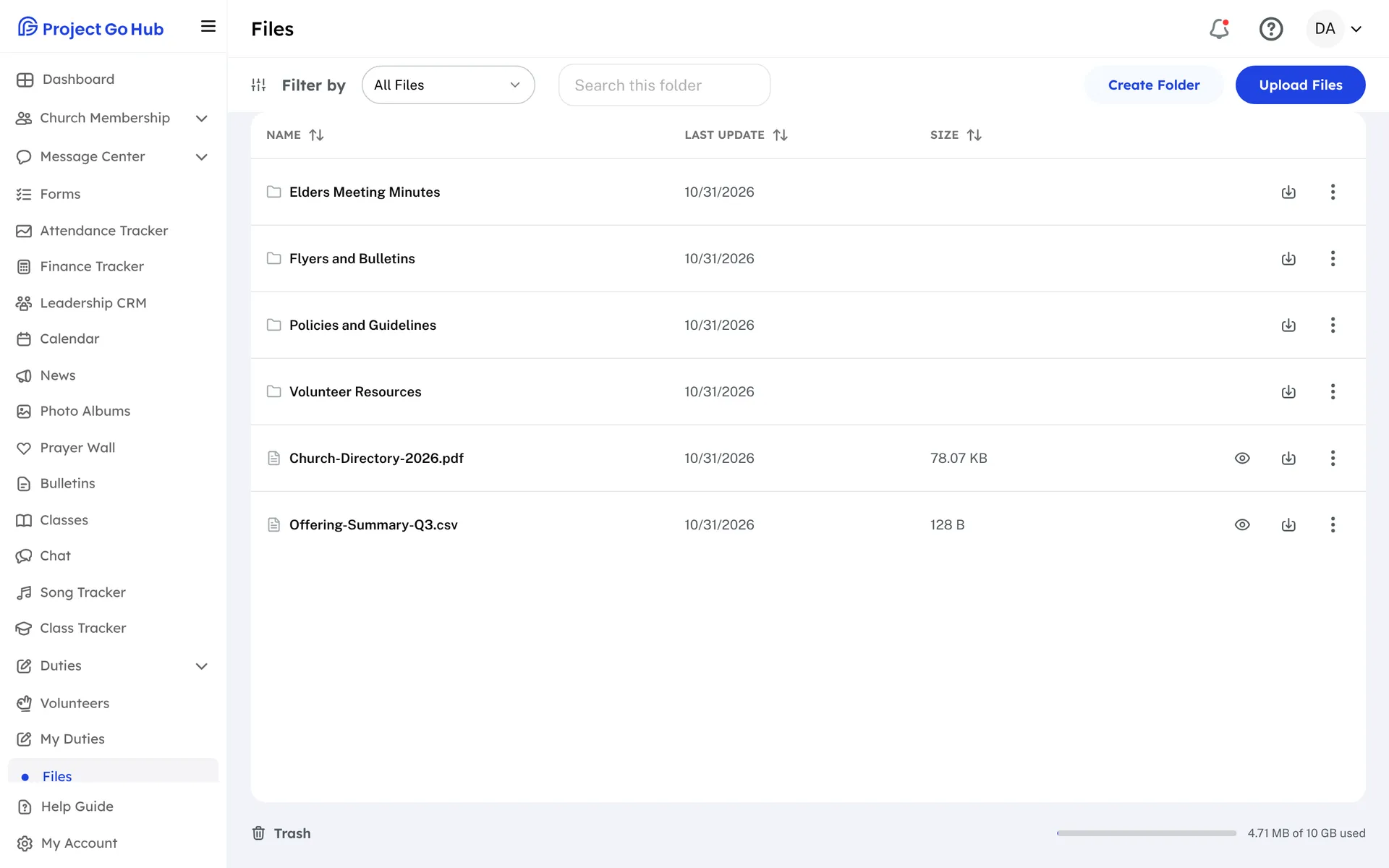
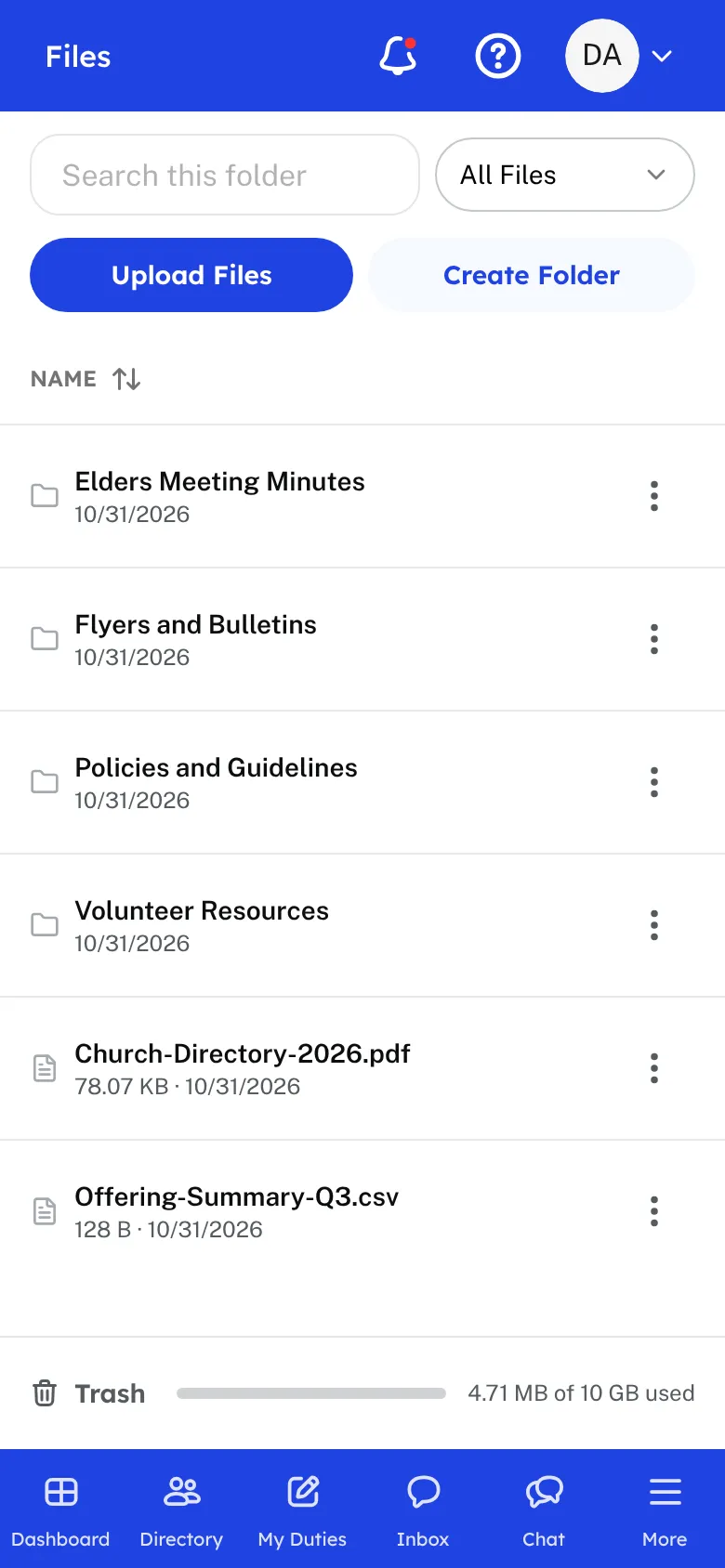
Files is the church's own storage. Leaders create folders, upload files, and give them the names members will look for: forms, class material, and documents. Files can be up to 100 MB each. Videos are not uploaded here. Put a video on YouTube as Unlisted and share the link instead.
Leaders can rename a file or folder, move it to another folder, and delete what is no longer needed. Deleted items go to the Trash and can be restored for 30 days before they are removed for good. Leaders can also see how much of the church's storage is used.
Members whose role includes Files open a folder and view or download what is inside. They can search in the folder they are in and filter by file type, on a phone or a computer. A whole folder can be downloaded from a computer.
Bulletin PDFs and photo albums count toward the same storage allowance, so a church that adds a lot of photos will see the space used go up.
Who this helps
Members
They find the forms, class material, and documents the church shares, and download them when they need them.
Leaders
Organize the church's files in folders, add new ones, and fix mistakes with the Trash, which holds deleted items for 30 days.
27 features, one platform.
Try the Project Go Hub free, or see everything it does. No credit card required.