
Project Go Hub
Email and Text Messages
One place to write to the whole church, or just one group.
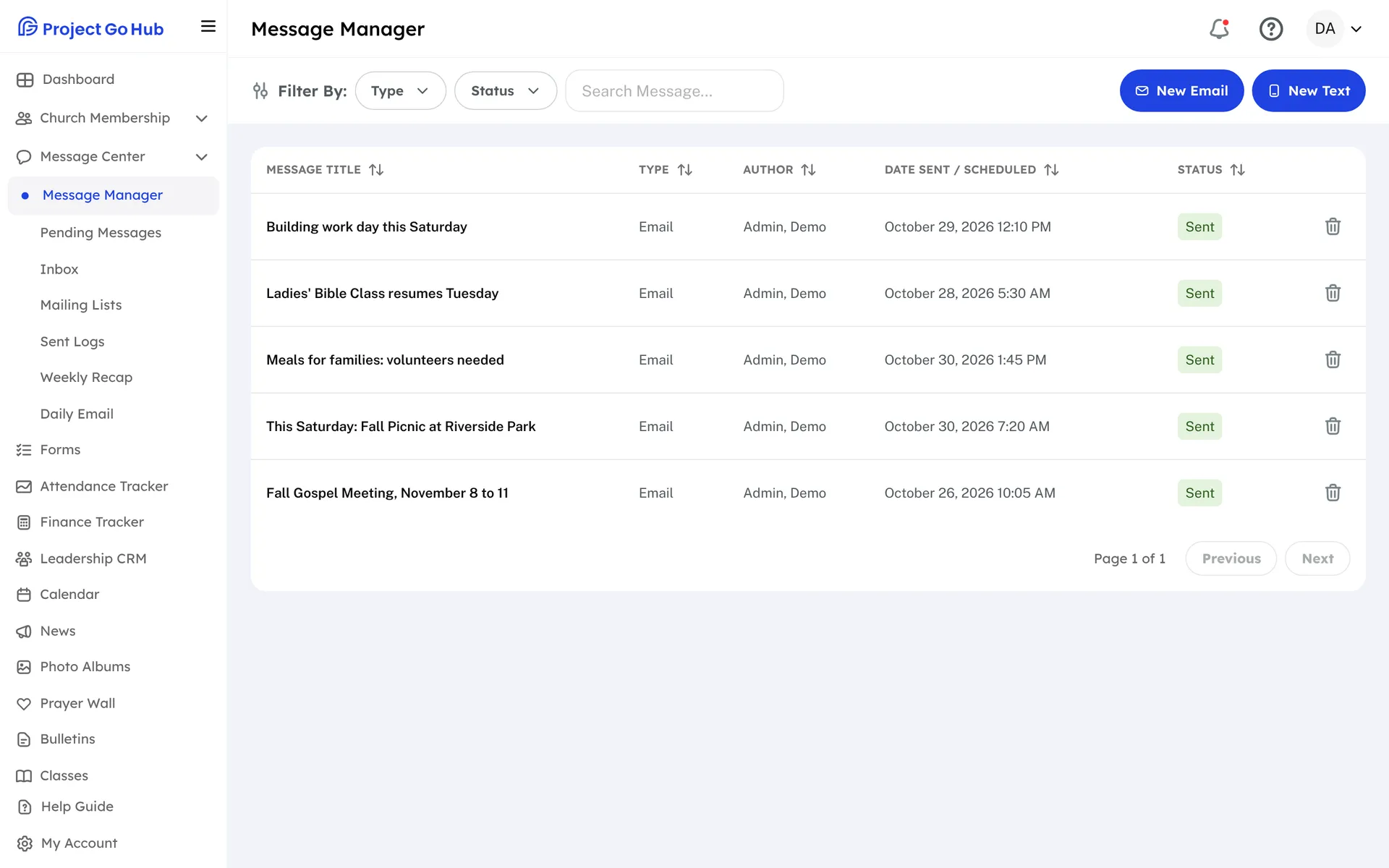
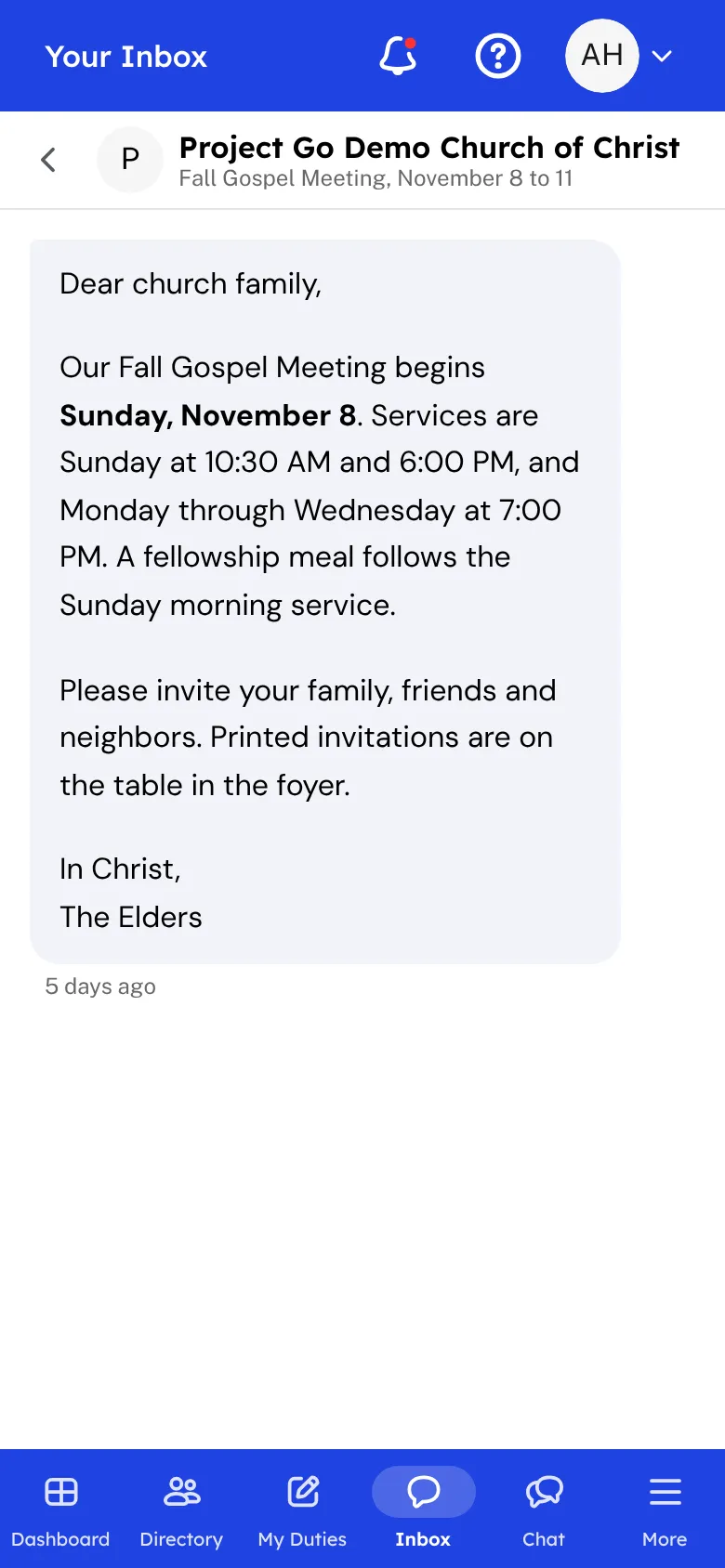
Message Manager is where the church writes to its members. Choose members one by one, pick whole member groups, or use a mailing list for emails. Write the message in a simple editor, look at a preview, and see who it will reach before you send.
Group leaders can email their own groups from the same screen, so a Bible class teacher does not need to ask the office. Texting is an optional add-on. A church that has it also gets a Text button, and a text can be up to 320 characters.
When you press Send, a window shows how it will go, to how many people, and when. After that you have 30 seconds to undo. You can also save a draft, or schedule a message for a day and time on your church's clock and change or delete it until then. An email can carry up to 5 attached files, 10 MB in all. A bulletin or news post can be sent to members straight from the post.
Members read what the church sends in their Inbox, and they choose in My Account which texts and phone notifications they get. If your church turns on member messages, a member can also write to other members and groups. Every one of those messages waits in Pending Messages until someone in the office approves it, edits it, or denies it, and the writer can follow each message's status in My Messages.
The Hub looks after the rules for you. A member who replies STOP to a church text gets no more texts, START turns them back on, and HELP answers with the church's name and contact. Emails carry an unsubscribe link. Sent Logs shows how each text was delivered and which email addresses had problems, so you know who did not get it.
Who this helps
Members
They read what the church sends in their Inbox, choose which texts and phone notifications they want, and can unsubscribe from church emails. If the church allows it, they can write a message of their own and watch it move from waiting to sent.
Leaders
One screen for emails and texts, with drafts, scheduling, and a 30-second undo. Group leaders reach their own groups, and the office can approve member messages and check Sent Logs to see what was delivered.
27 features, one platform.
Try the Project Go Hub free, or see everything it does. No credit card required.