
Project Go Hub
Digital Picture Board
Put every family's face on the lobby screen.
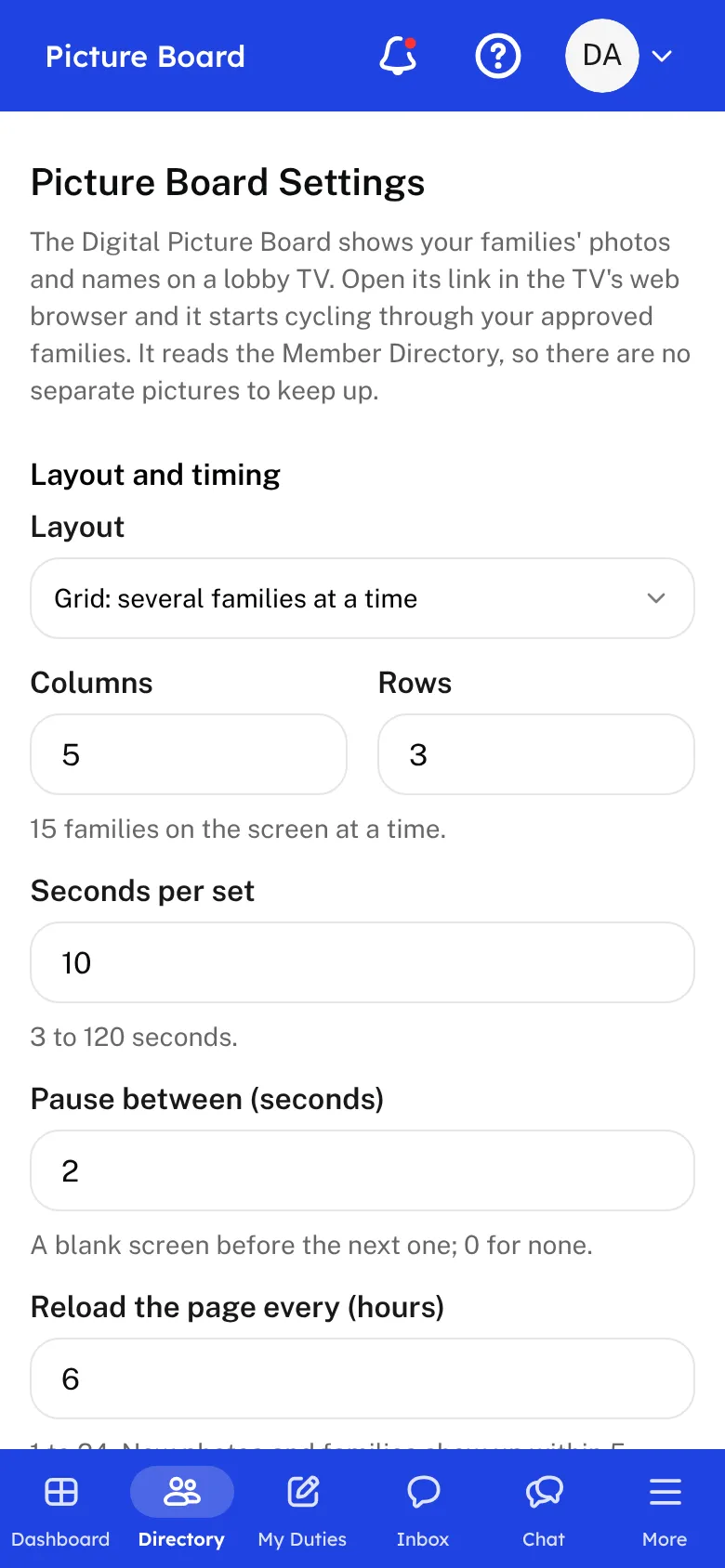
New visitors can learn names faster when they see faces. The Digital Picture Board shows your families' photos and names as a slideshow on a TV or monitor in the lobby, using the family photos in your Member Directory.
Setting it up takes a few minutes. Open the Picture Board settings and choose a layout. Grid shows several families at a time. Full shows one family filling the screen. Set how many columns and rows, how many seconds each screen stays up, and the pause between screens. A live preview shows how it will look on a 1080p TV before you save.
Then make it your own. Add a header such as your church's name, show your logo, and pick the background, text, and arrow colors and one of three fonts. Set the size of the header and the names so they can be read across the room. Show families in order by name or shuffle them, and leave off any family without a photo if you prefer.
The board has its own link. Open it on the lobby computer or TV and leave it running. Anyone with the link can see it, and it shows families' names and photos only. New photos and families appear on their own within a few minutes, so the board stays current as your members add pictures.
Who this helps
Members
They see their family on the lobby screen, and visitors can put names to faces. A good photo in the directory is all it takes.
Leaders
Set it up once, open the link on the lobby TV, and it keeps itself current. No one has to build a slideshow each month.
27 features, one platform.
Try the Project Go Hub free, or see everything it does. No credit card required.