
Project Go Hub
Attendance Tracking
Know who was here, and who has been missed.
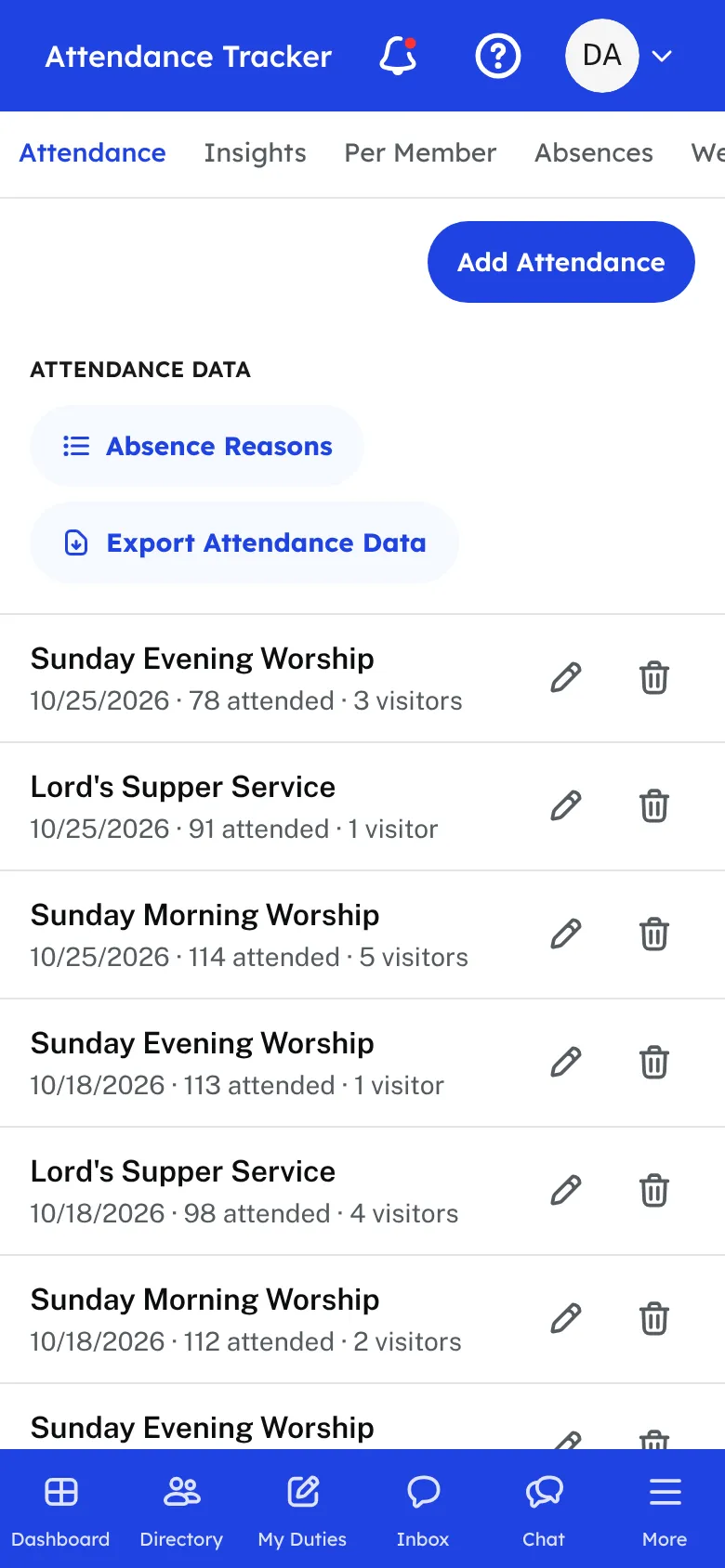
After a service, open the Attendance Tracker and add a record for that service and date. Count by name with a roll call, or count by head. The roll call lists your members by family, and one tap marks a person present. Anyone you leave unmarked is saved as absent, and you can pick a reason for each absence, or add reasons of your own.
If you only need a total, choose Overall and type the number. An usher can also use the tap counter, a big +1 button that keeps the phone screen awake while the room is counted. Visitors can be added to the record, so first-time guests are not lost.
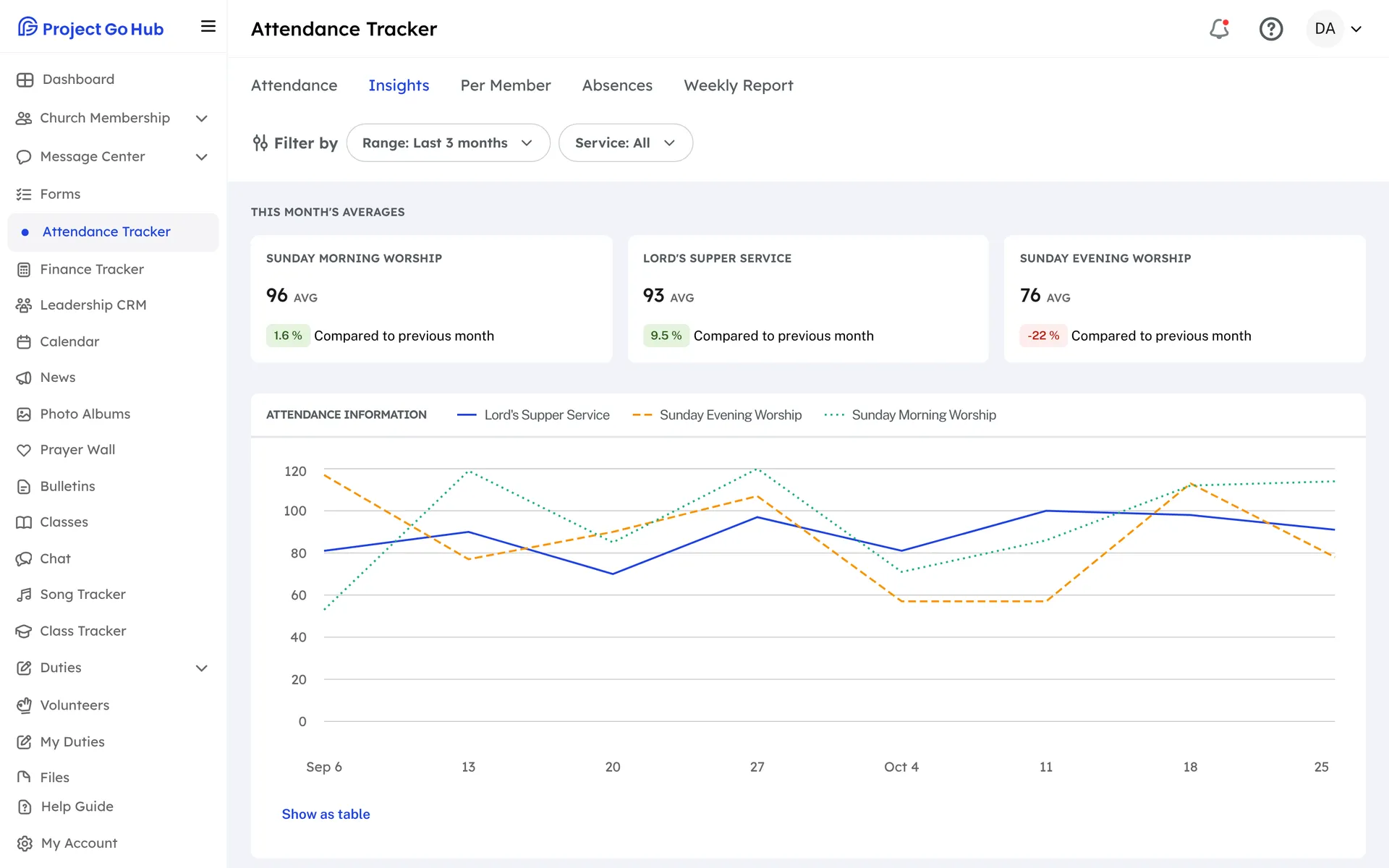
The Insights page shows attendance over time, monthly totals, and the average for each service. Per Member shows one person's record week by week for the last year, how many services they have missed in a row, and when they were first recorded. You can fix a past week right from that page.
The Absences page is for follow-up. It lists the members who are still missing, or everyone who missed a number of services in a row over any dates you pick, with the reasons given. You can log a call to each person so the next one to check knows it was made, and on a phone there is a Call button beside each name.
The Weekly Report goes out by email on its own. You pick the day, the time, and who receives it. It lists each service from the past seven days with its count, and under it the members who were absent, grouped by reason.
Who this helps
Members
They do not have to do anything. Their attendance is recorded for them, and a missed Sunday shows up where a leader can follow up with a call.
Leaders
Elders, deacons, and secretaries get a short list of who needs a visit or a call, and a weekly email with the numbers. Taking attendance takes a few taps, even on a phone in the foyer.
27 features, one platform.
Try the Project Go Hub free, or see everything it does. No credit card required.